
Reports
How to Generate Reports from Your Prompts
Once you've crafted a prompt and obtained results you're satisfied with, HARVEN lets you turn it into a recurring report, so you always have an up-to-date view of that results without having to run the query manually every time.
Get a Prompt Result You're Happy With
From the Prompt section Workspaces → Your target workspace → Promp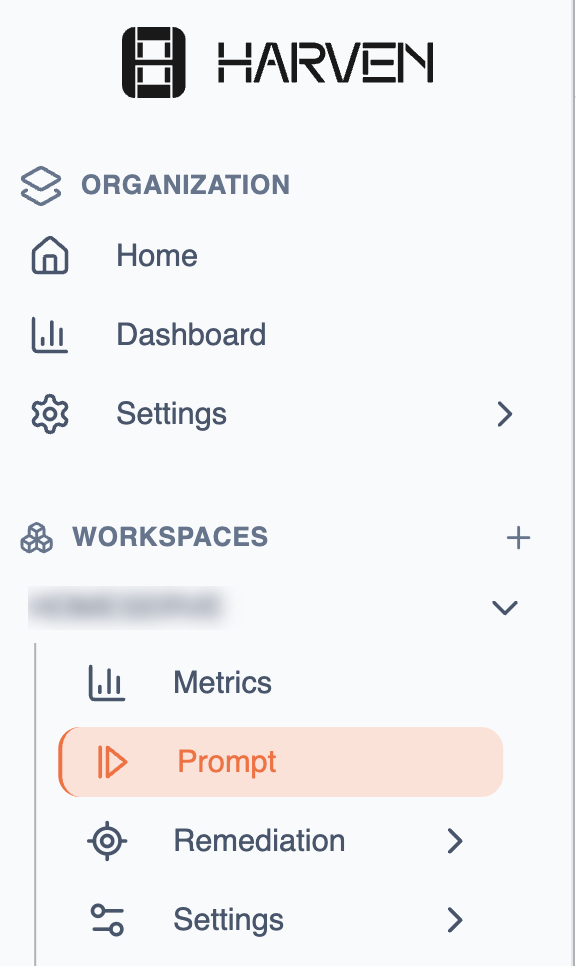
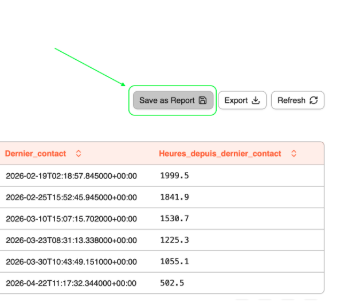
Run your prompt from the Prompts section of your workspace and review the results. Now, you're ready to create a report.Click "Save a Report"
From the prompt result view, click the "Save as Report" button. This opens the report creation panel.
Choose the frequency
In the report creation panel, select how often you want the report to be automatically generated:
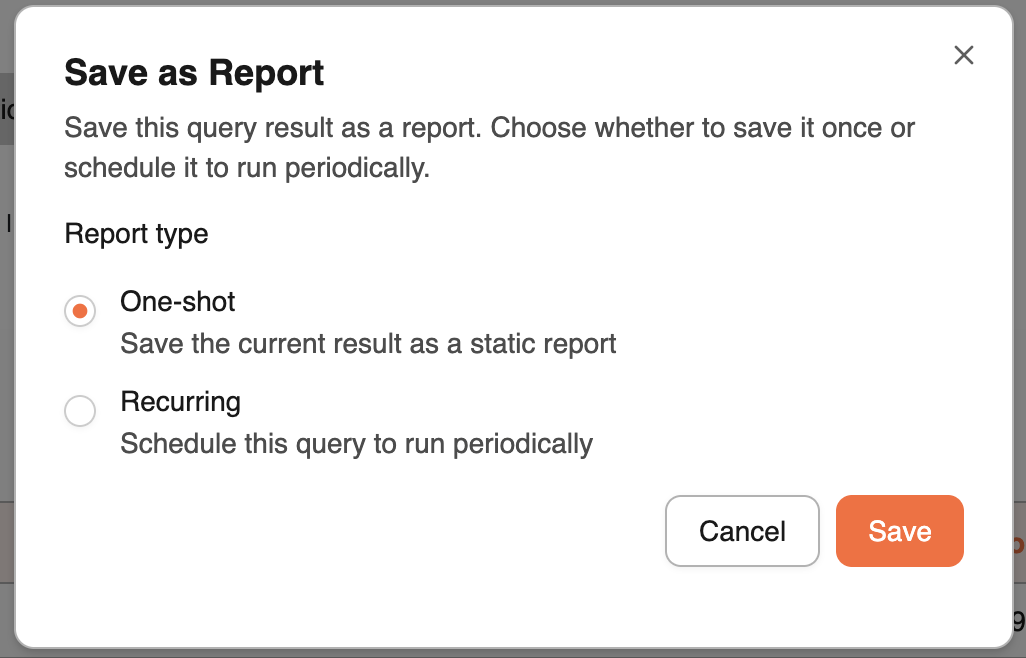
Pick the frequency that best matches how closely you need to monitor this metric.
Where to Find Your Reports
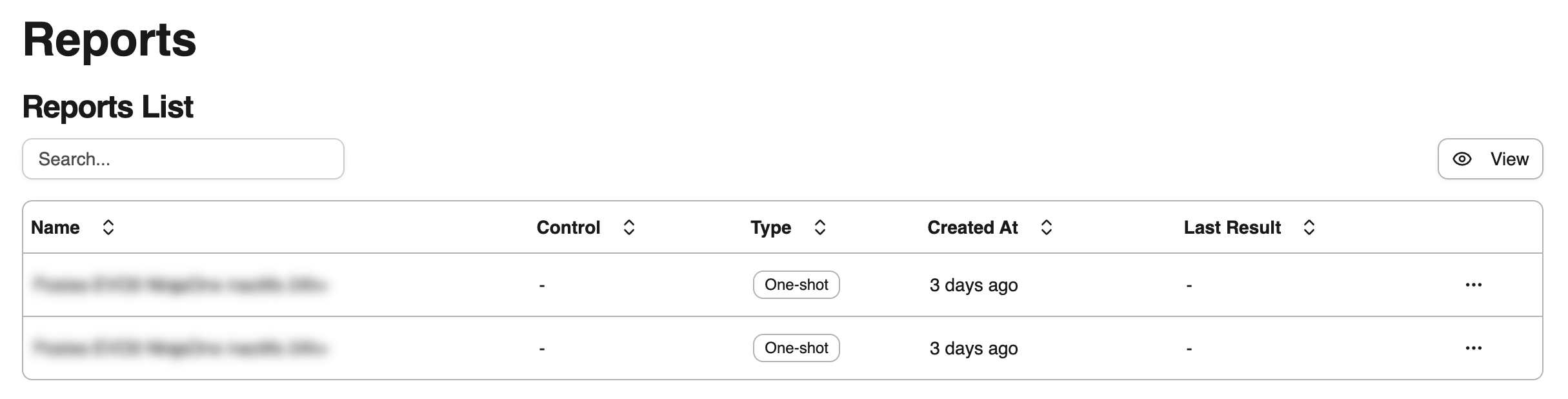
All generated reports are stored in your workspace under:
Workspace → Remediation → Reports
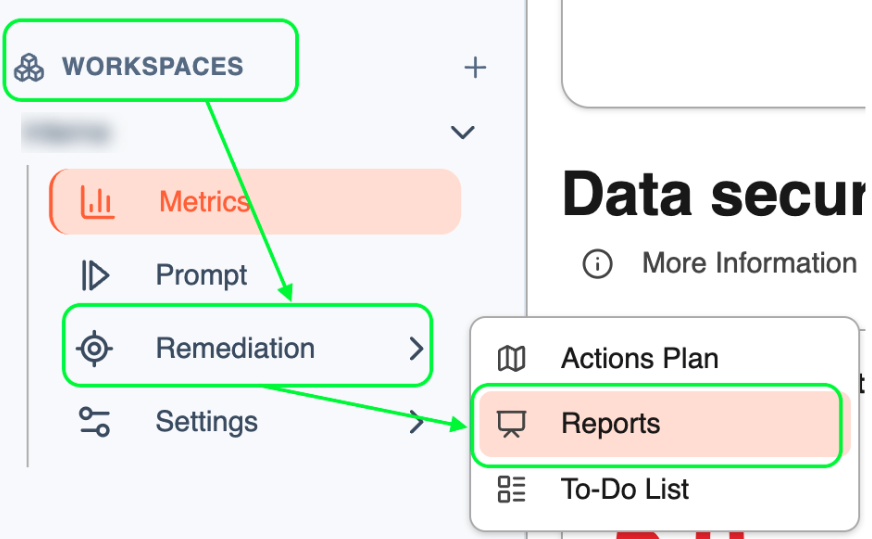
Navigate there at any time to your last generated reports, check the results to decide your actions.
💡Tips
You can create multiple reports from different prompts to build a comprehensive monitoring routine.
Each report version is timestamped, making it easy to spot trends and regressions over time.
You can download your report to share them with your team. Remember that you can invite your team to collaborate with you → check how to do that here
Was this helpful?