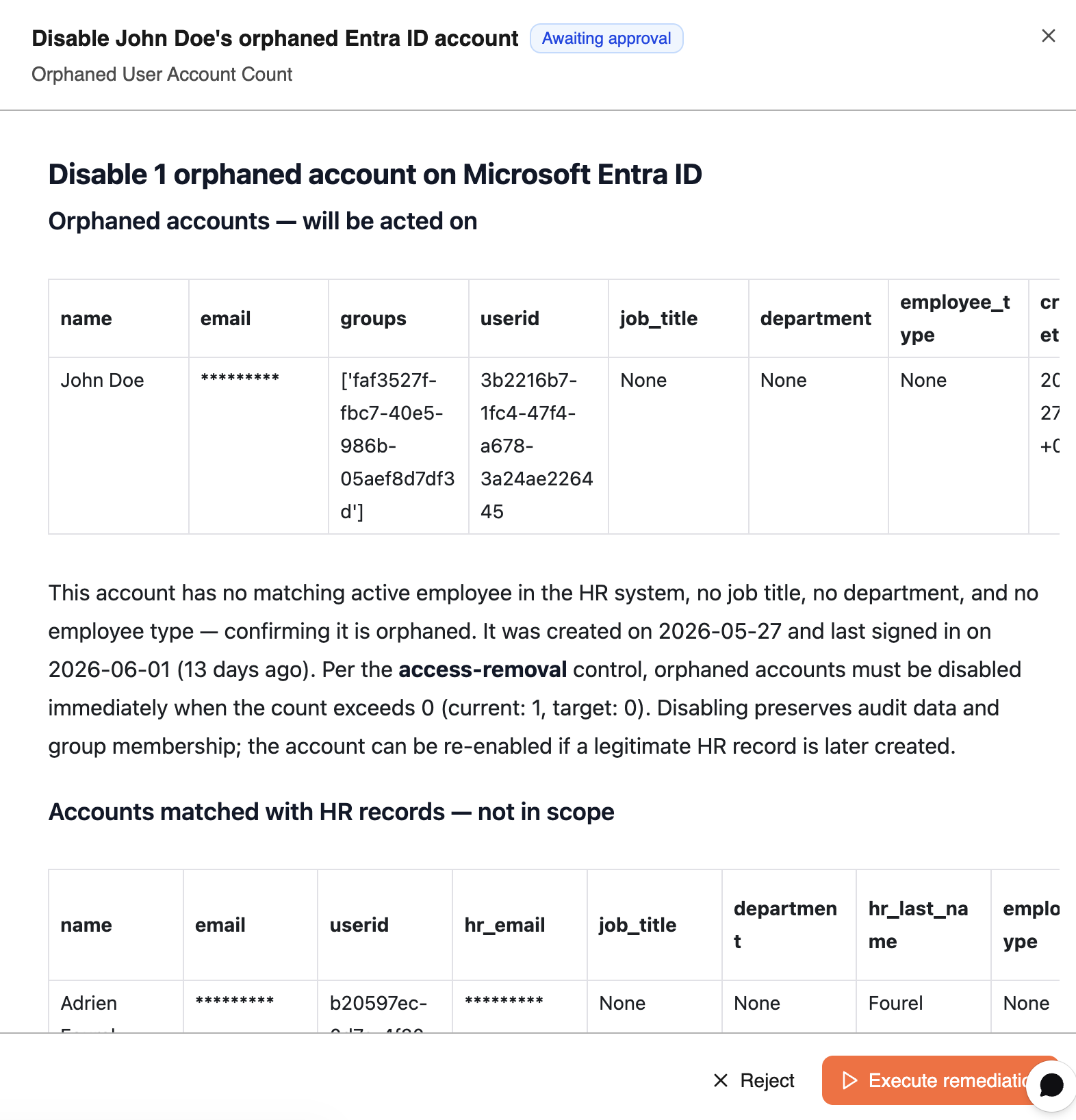
Reviewing Action Plans & Pre-Built Tasks
To access your customized recommendations and pre-built tasks, navigate to Workspace → Remediation → Action Plan.
Here you will find a step-by-step action plan for each metric you want to improve. Each plan breaks down the recommended actions clearly, so you always know what to do next.
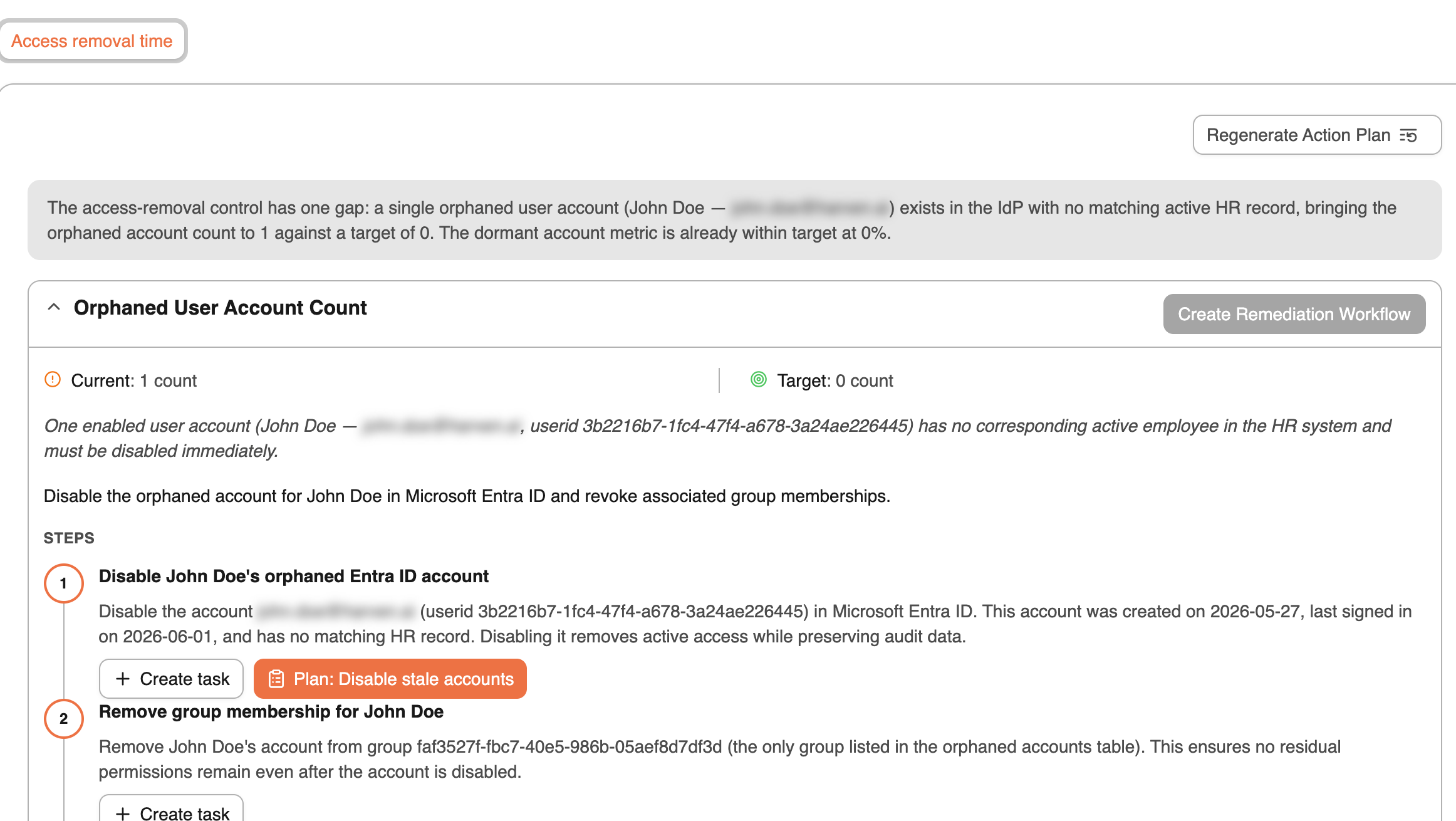
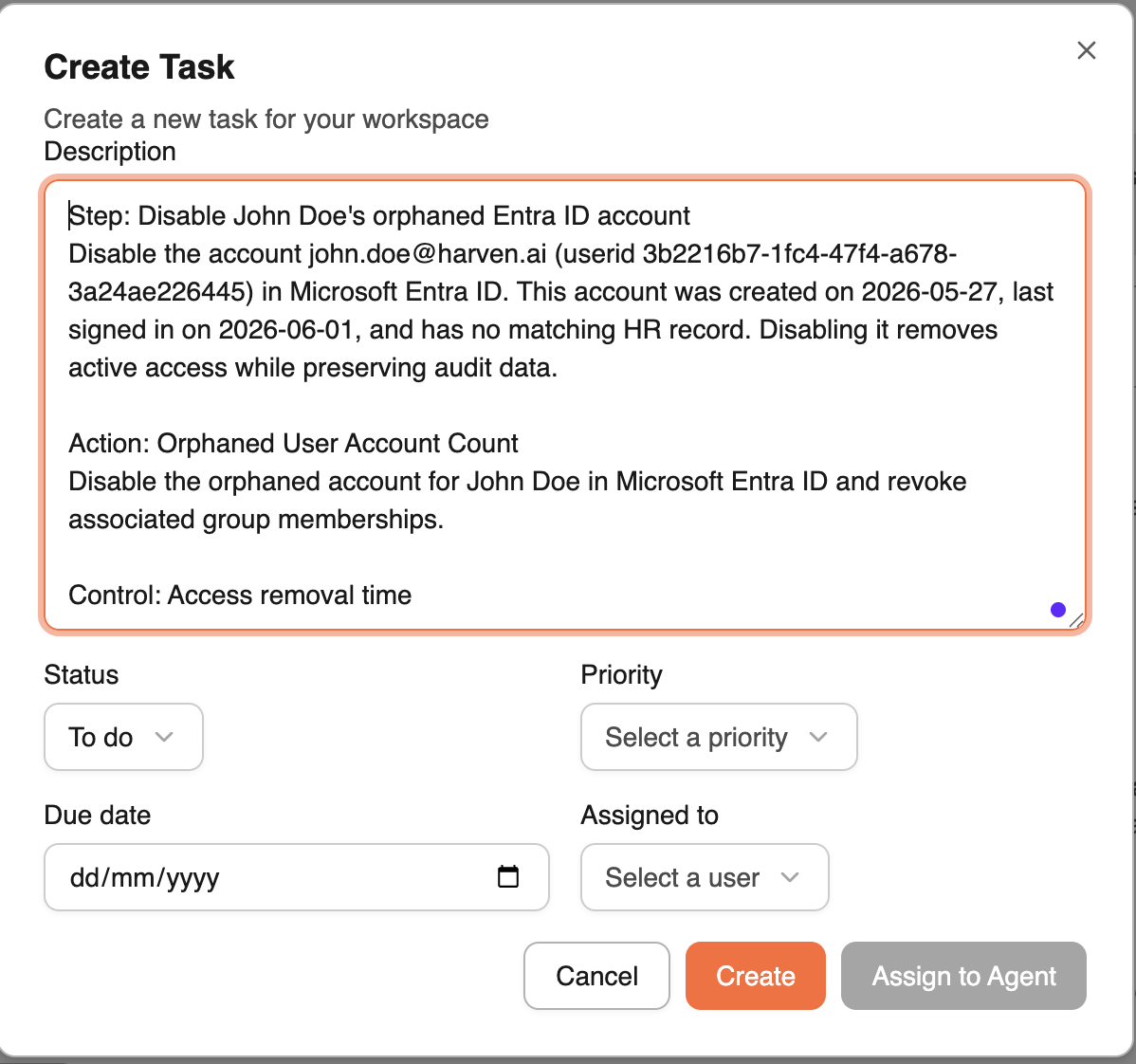
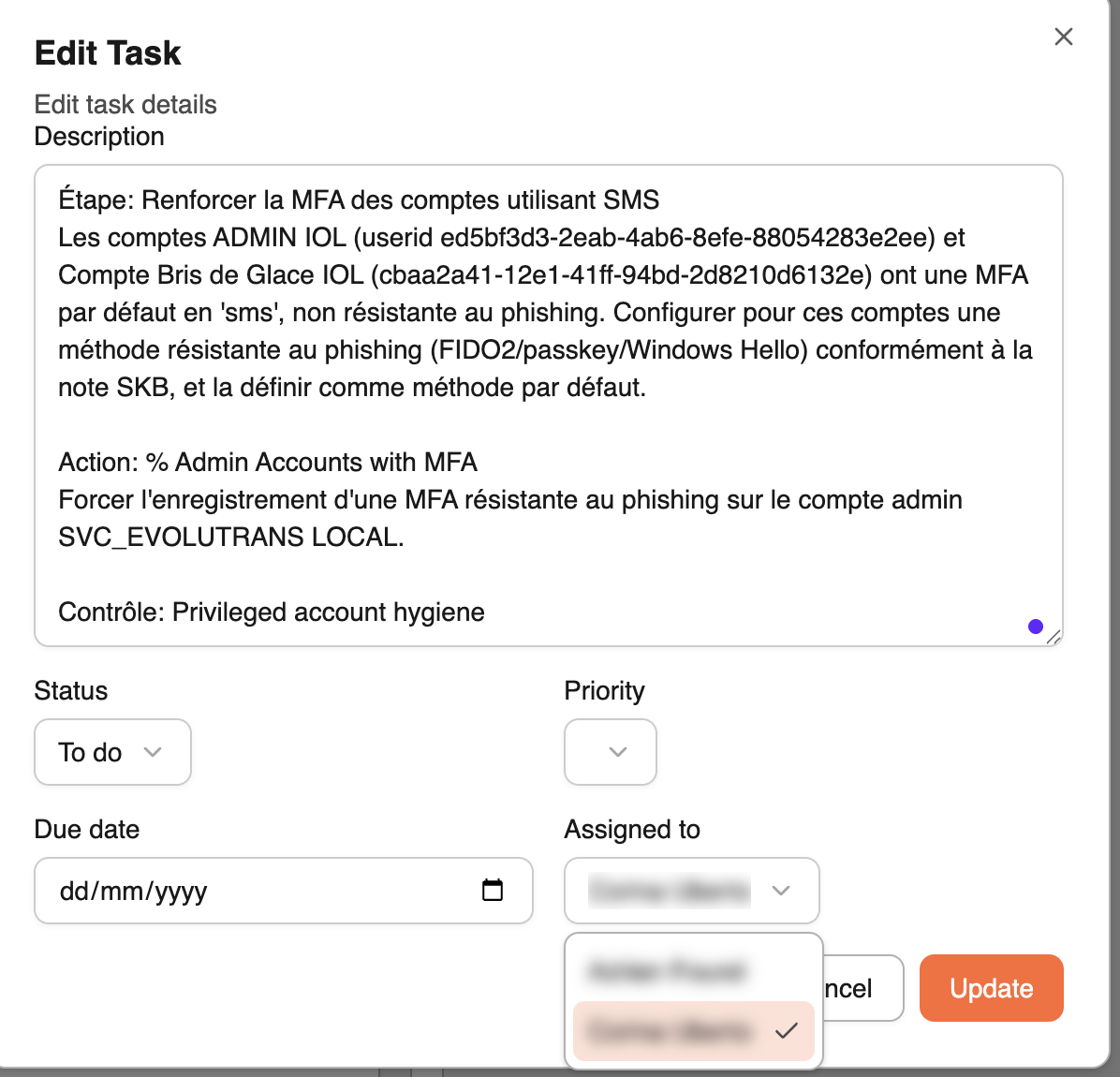
To get started on a specific action, click Create a Task. You'll find a pre-filled task ready to use : you can assign it directly within the platform or copy and paste it into any external ticketing tool you already use (such as Jira, ServiceNow, or Asana).
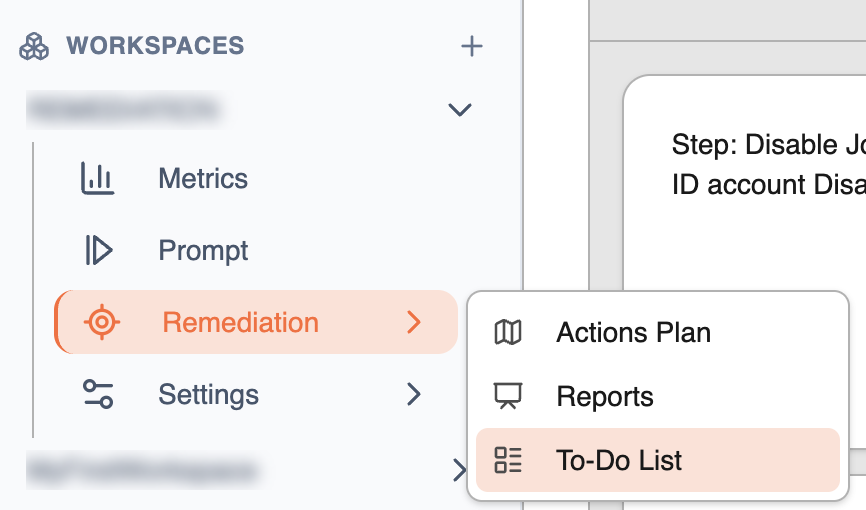
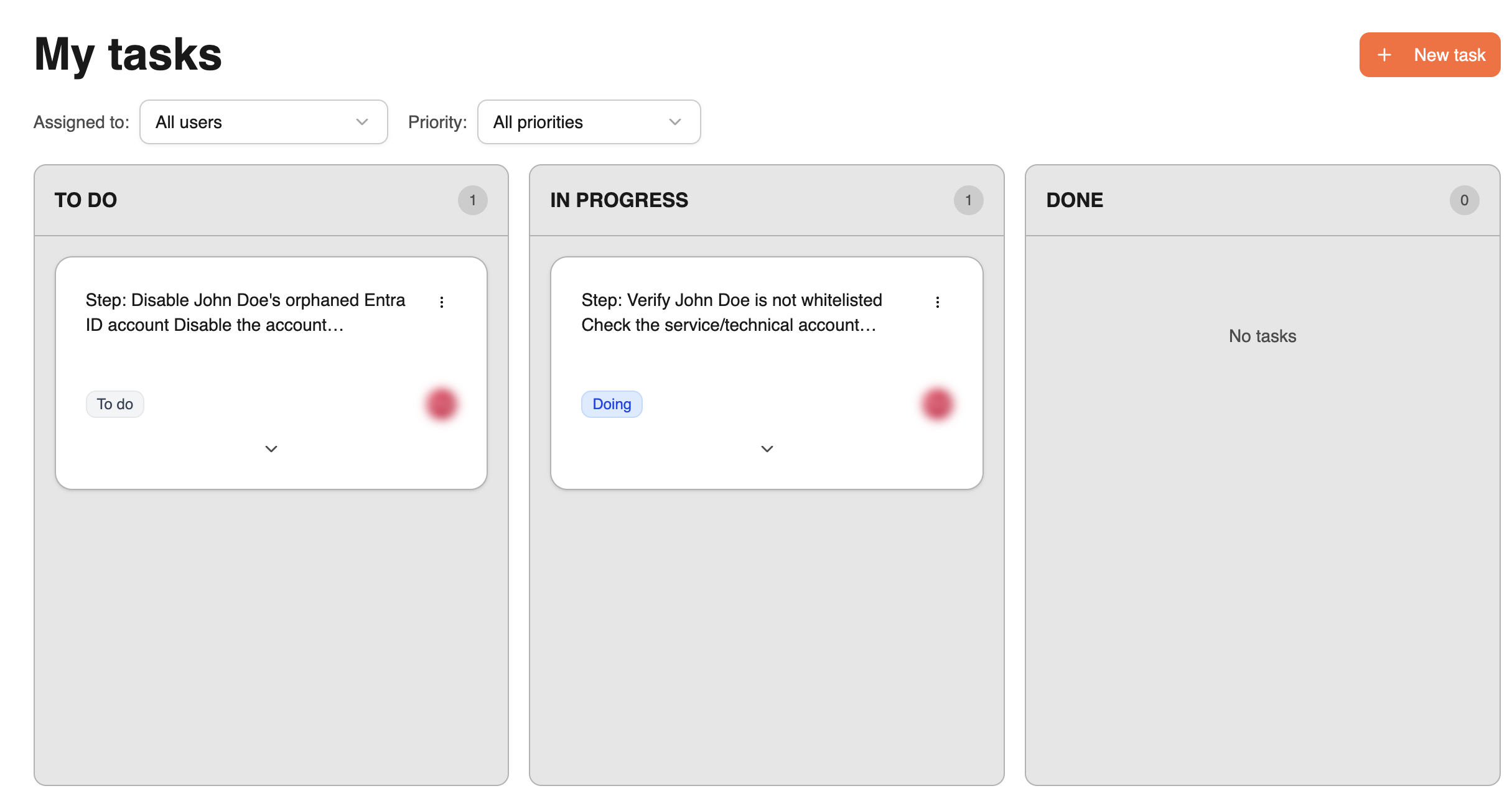
Once created, your tasks will automatically appear in your To-Do List, where you can view all your tasks at a glance, edit them at any time, and assign them to any member of your team.
To visualise them, navigate to Workspace → Remediation → To-Do List.
Coming Soon : Agentic Task Execution
In the near future, many of these tasks will be able to be delegated directly to an AI agent, which will handle execution autonomously on your behalf : while always keeping a human in the loop to review, approve, and maintain full control over every action taken.