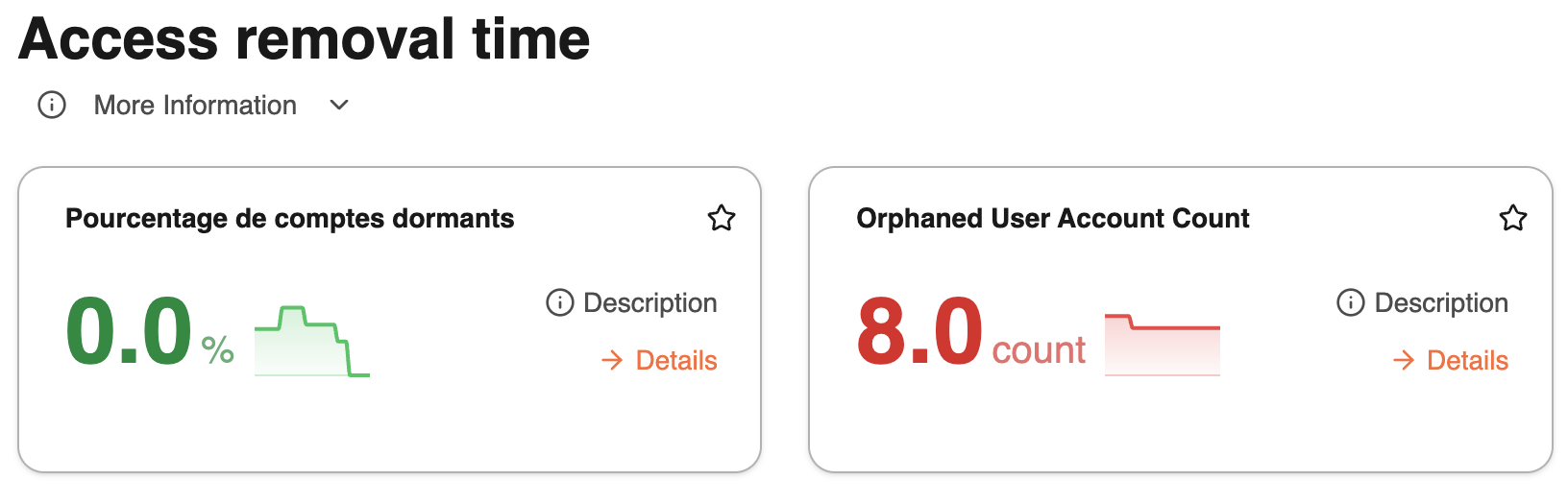
Generate your first Control
Controls are the backbone of your workspace. In a few clicks, our AI agents generate them automatically : including metrics, SQL queries, and explanations, all based on your connected data sources, your organization context and target results.
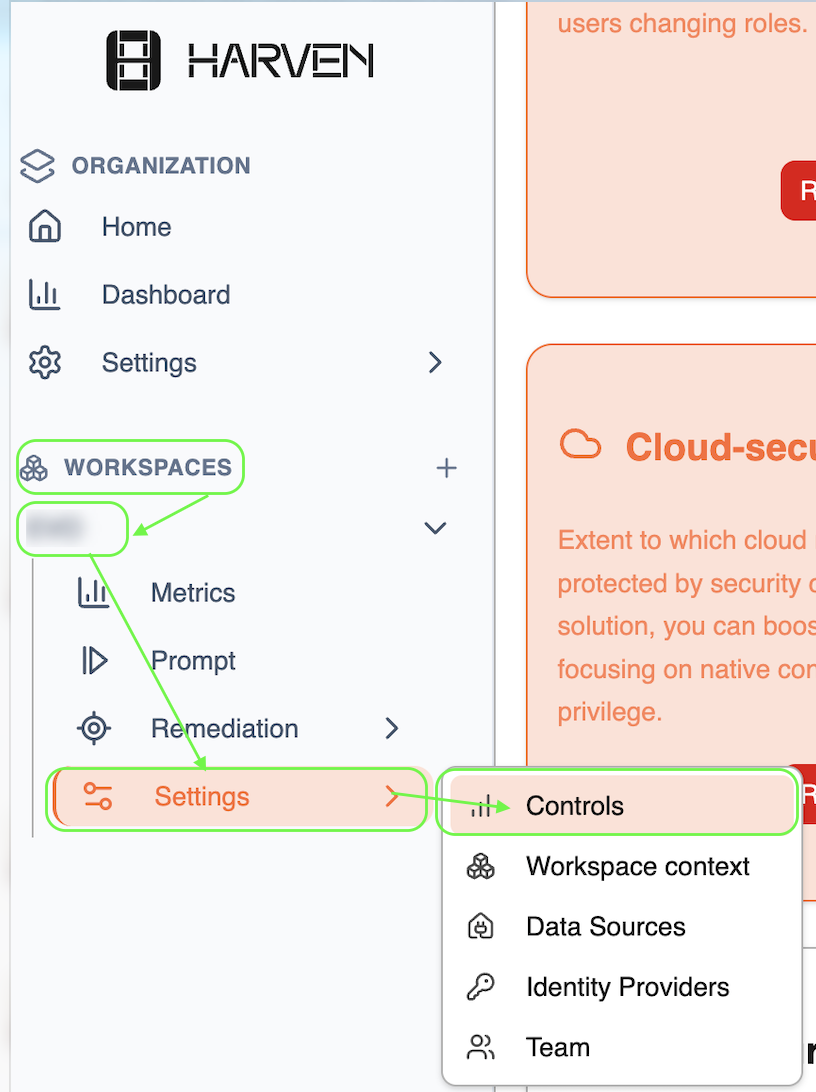
Go to the Controls settings page
From your target workspace, navigate to Settings → Controls
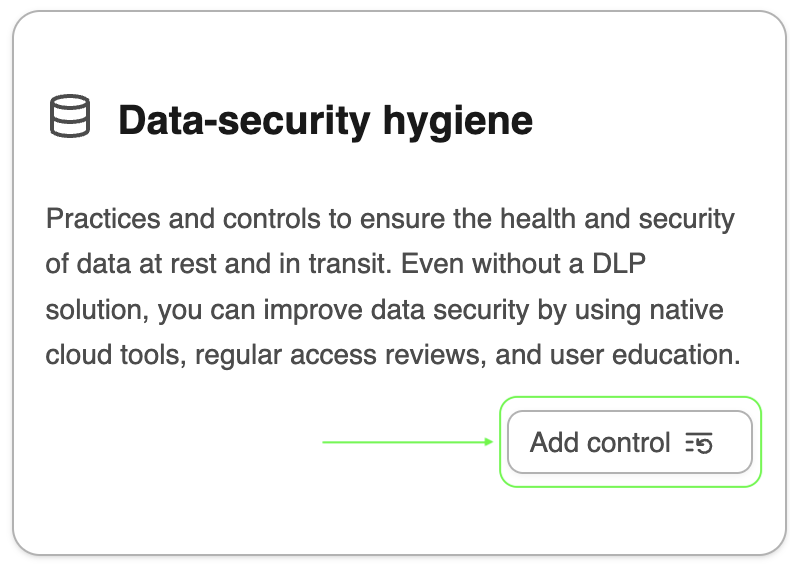
Add your target control
Please add your controls one by one.
Let the AI agents work 🤖⌚️
Once you click "Add control", our AI agents automatically analyse your workspace to generate the right control. No manual setup needed 😉.
Here's what happens behind the scenes:
A first agent analyses your workspace: it reviews the control you want to deploy, the data sources you've connected, and your knowledge base. Based on this, it determines which indicators it can actually calculate and spins up a dedicated specialized agent for each one.
Each of these specialized agents then runs independently to compute its assigned metric.
This is why generating a control takes time but rest assured, it's working hard for you in the background ⚙️!
View your metrics on the dashboard
Once a control is created, all its metrics are automatically available in your workspace dashboard.