
Invite your team
To invite your Harven coworkers
Go to Settings → Team → Invites
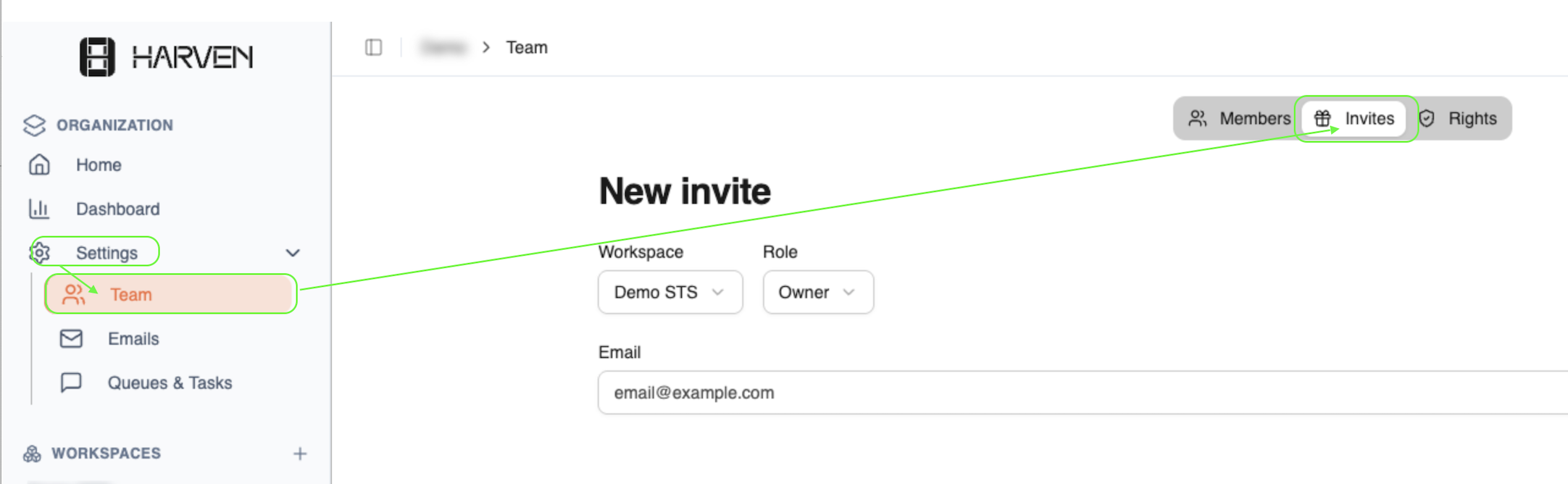
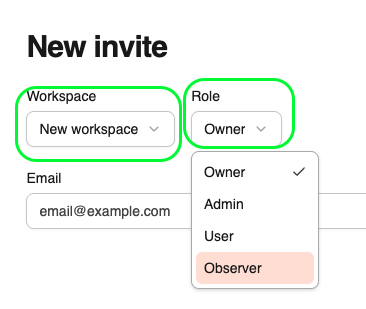
Choose your Workspace (Specific workspace e.g. EVO, or all) and Role, Add your collaborator’s email address, then send the invitation
To invite your Harven coworkers
Go to Settings → Team → Invites
Choose your Workspace (Specific workspace e.g. EVO, or all) and Role, Add your collaborator’s email address, then send the invitation