
Using Prompt Suggestions
With HARVEN, you can build your own prompts from scratch, but if you need inspiration, we've got you covered. This guide walks you through how to use our built-in prompt suggestions to get results faster.
Access prompt suggestions from any metric section
In any metric section, you'll find a Prompt Suggestions button at the bottom. Click on it to browse pre-built prompt ideas tailored to that metric.
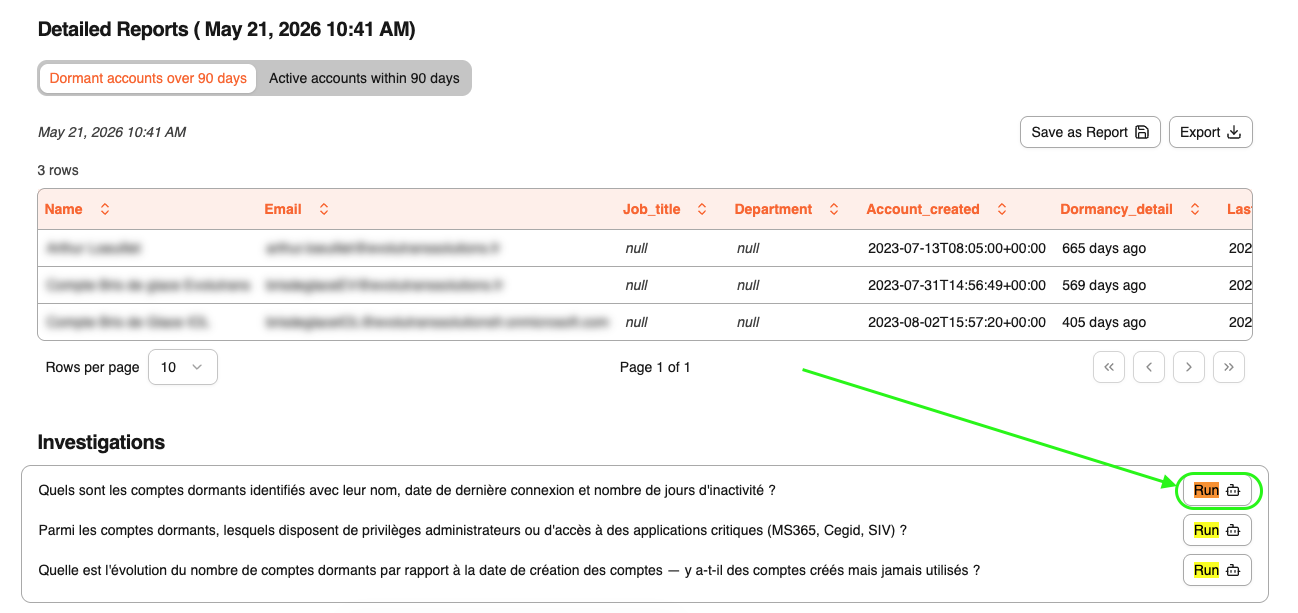
Once you've found one you like, click run to apply it.
Select a saved query
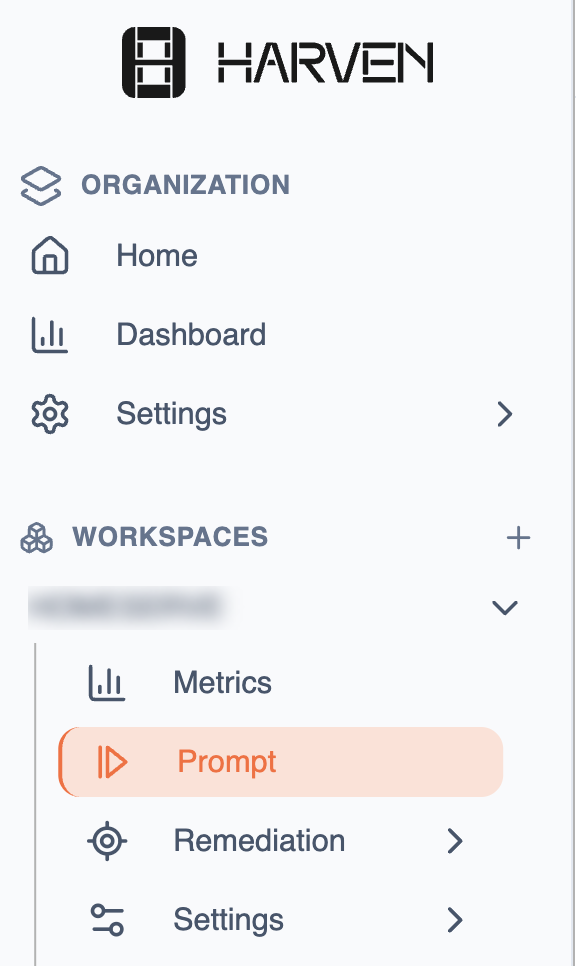
After generating a prompt, head to the Prompt section from Workspaces → Your target workspace → Promp
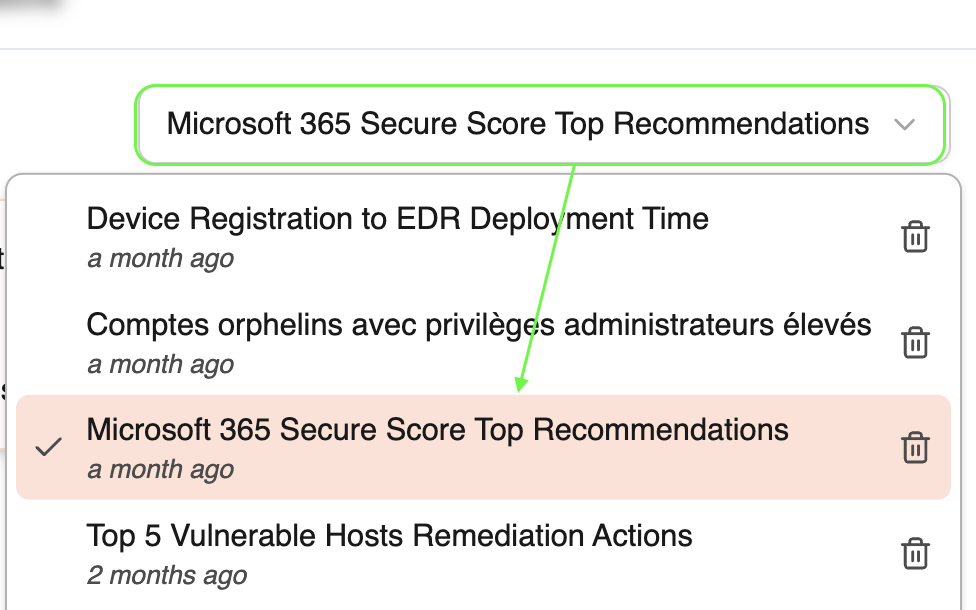
And look for the "Select a saved query" dropdown. Choose the target prompt or question.Eg:
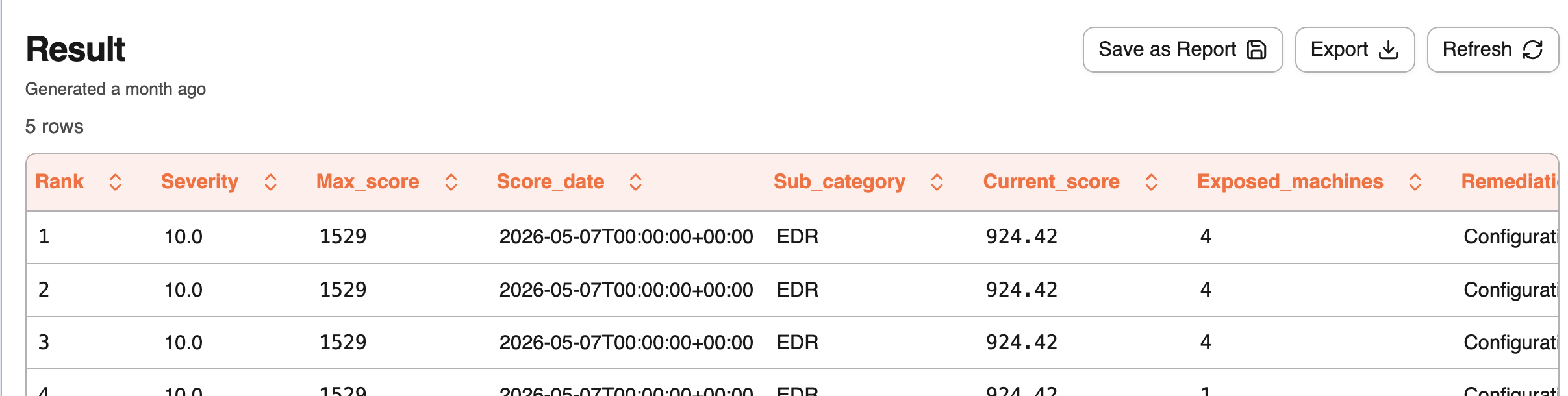
Your results will appear at the bottom of the page.
Customize your prompt (optional)
Need to tweak the wording or adjust the focus? You can edit any prompt directly in the Prompt section before running it.

💡 Tips for better prompts
Getting the most out of Harven often comes down to how you write your prompts. Check out our Prompt Best Practices guide to learn how to boost the quality of your results.
Was this helpful?